Blur Face
How to Use the Editor
Master the tools to anonymize your photos quickly.
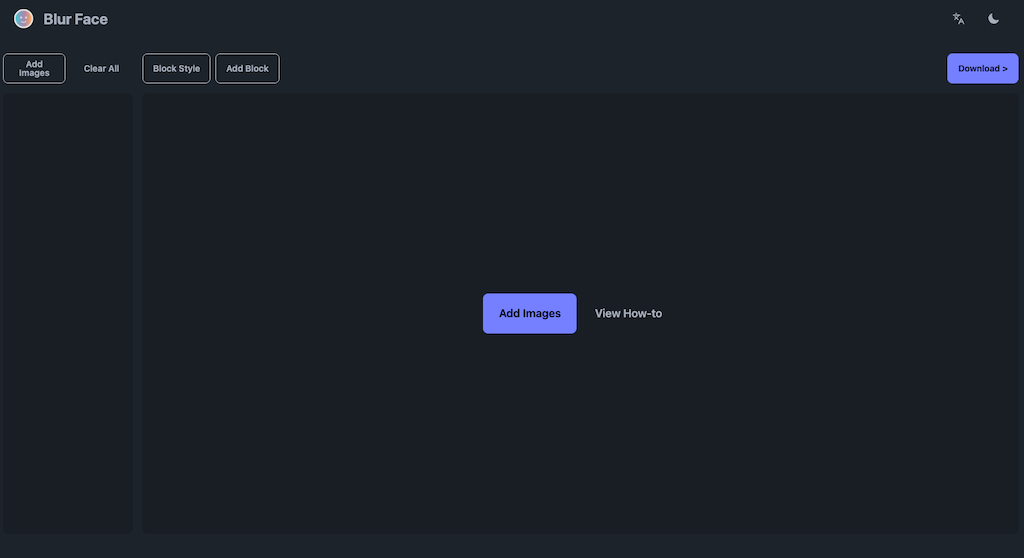
Import Photos
Click "Add Images" to select photos. You can add more at any time.
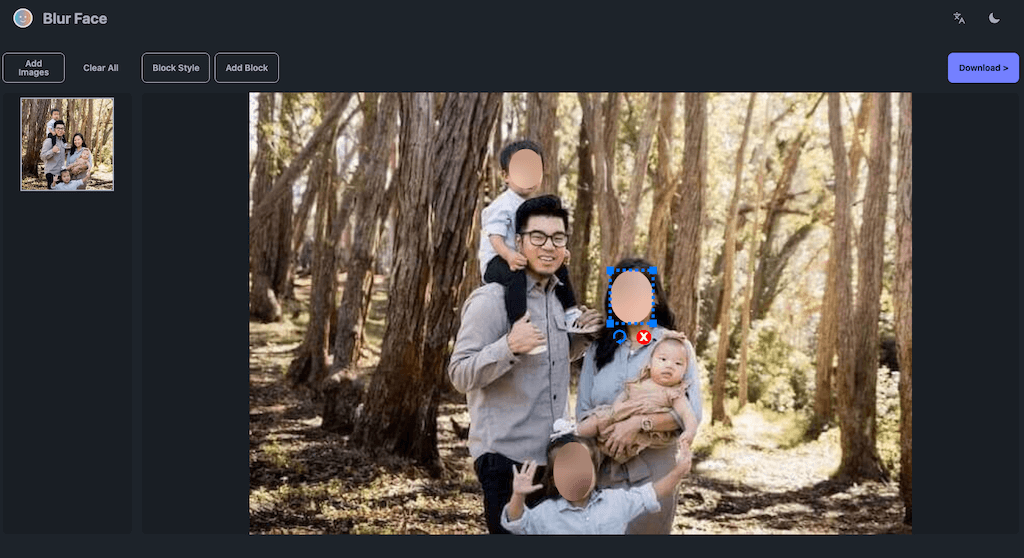
Customize Blurs
Click on any detected face to toggle the blur. Drag to create new blur zones. Use "Block Style" to change the look.
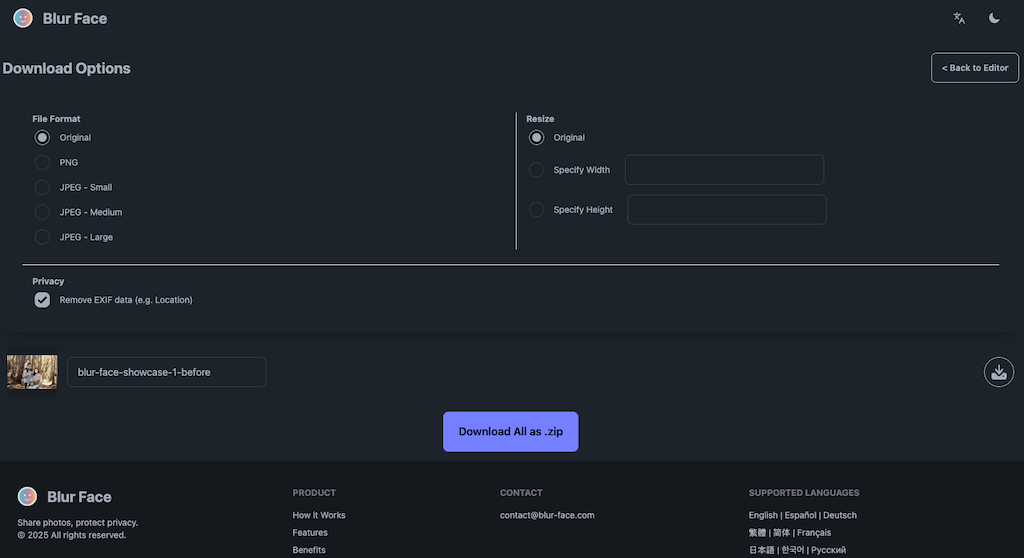
Export
Hit "Download" to choose your file format and save your secure images.