 Blur Face
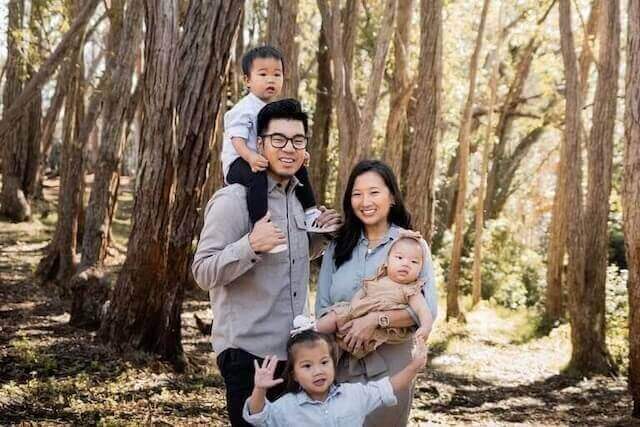
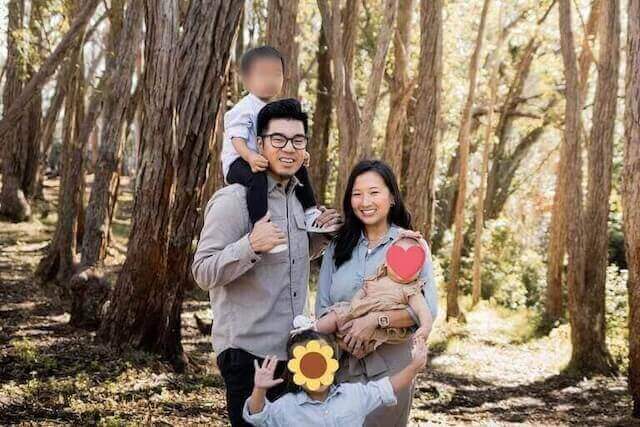
Secure Your Photos,
Protect Your Identity.
In an age of digital surveillance, your privacy matters. Blur Face uses advanced artificial intelligence to automatically detect and obscure faces in your photos. Process images locally on your device with zero server uploads—fast, free, and completely secure.
How to Blur Faces in 3 Simple Steps
Our intuitive editor makes anonymizing photos effortless. No account registration or technical skills needed.
1. Upload Images
Select one or multiple photos from your device. We support JPEG, PNG, and WebP formats. Your images open instantly in the browser without being sent to any remote server.
2. Auto-Detect & Edit
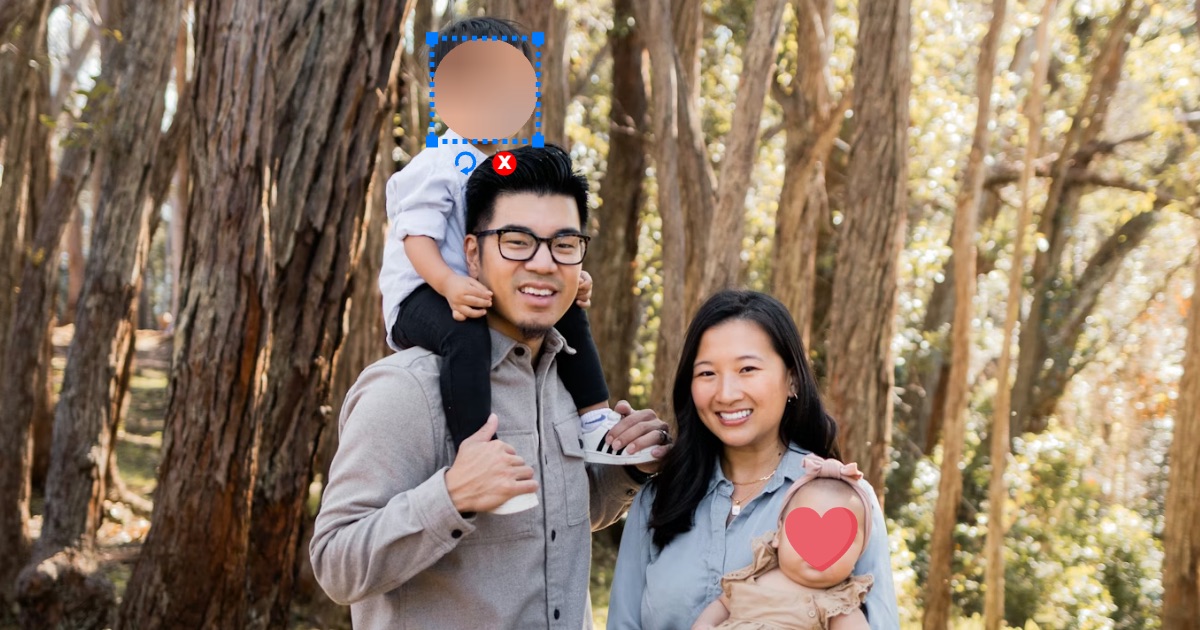
Our AI instantly creates a privacy layer over detected faces. You can customize the blur intensity, choose different blocking styles (like pixels or emojis), or manually refine the masked areas.
3. Download & Share
Export your privacy-protected photos in high quality. We automatically strip sensitive metadata (EXIF) to ensure your location and device details remain private.
Why Choose Blur Face?
We combine professional-grade AI detection with a strict privacy-first architecture.
-
Smart AI Detection
Our machine learning model accurately identifies multiple faces in complex scenes, saving you hours of manual editing time.
-
Precision Control
Need more control? Easily adjust blur zones, add manual blocks to license plates or documents, and tweak the aesthetic style of your redaction.
-
100% Client-Side Privacy
Unlike other tools, we never see your photos. All processing happens in your browser via WebAssembly, ensuring your personal data never leaves your device.
Visual Privacy, Guaranteed
See the difference between standard cloud processing and our secure local approach.
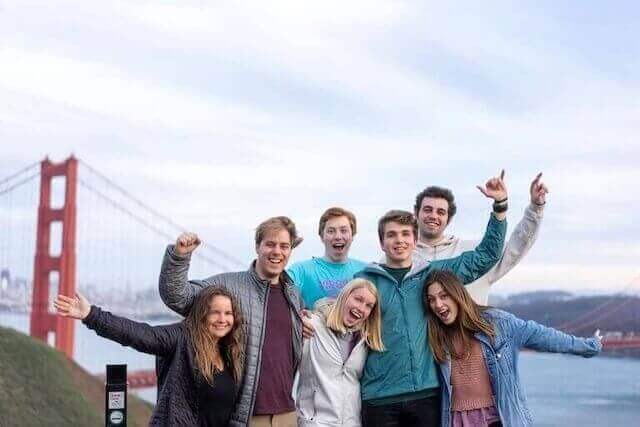
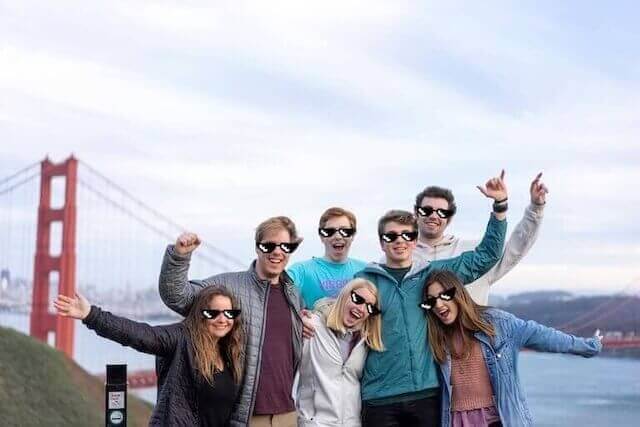
Before: Identifiable faces and metadata exposed.

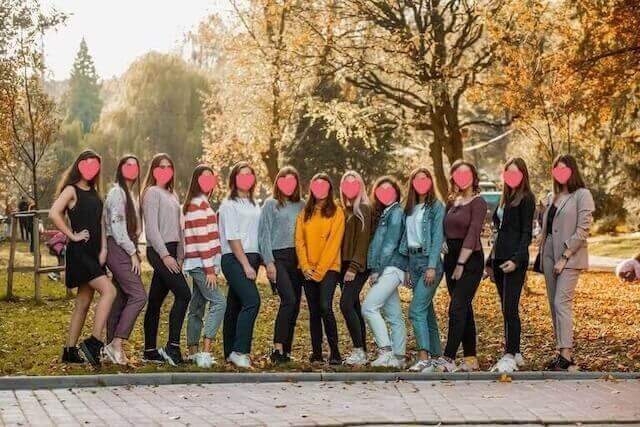
After: Identities protected, EXIF data removed, ISO compliant.
Frequently Asked Questions
Learn more about our technology and how we keep your data safe.
Is Blur Face really free?
Yes, Blur Face is completely free to use for both personal and commercial purposes. We do not watermark your images or restrict the number of photos you can process.
Do you upload my photos to a server?
Never. We use offline-first technology. Your photos are processed directly in your web browser using your device's processing power. No data is ever transmitted to us or third parties.
What happens to the photo metadata?
We automatically remove EXIF metadata (which can include GPS location, date, and camera settings) from the processed images to provide an extra layer of digital safety.
Can I edit multiple photos at once?
Absolutely. Our batch processing feature allows you to upload and apply blur effects to a whole group of photos simultaneously, perfect for albums or event photography.
Does it work on mobile phones?
Yes, Blur Face is fully responsive and optimized for smartphones and tablets. You can protect your photos directly from your camera roll on iOS and Android devices.
Why should I blur faces?
Blurring faces protects the privacy of individuals in public photos, especially children. It is also often required for compliance with privacy regulations like GDPR when publishing content online.
Can I choose different blur styles?
Yes! We offer standard Gaussian blur, pixelation (mosaic), and fun stickers (like emojis) to cover faces while keeping the image looking great.
Is the AI detection perfect?
Our AI is highly accurate but may occasionally miss faces in poor lighting or extreme angles. You can always use our manual tools to add or adjust blur areas perfectly.
Do I need to install an app?
No installation is required. Blur Face runs instantly in any modern web browser (Chrome, Safari, Firefox, Edge), saving you storage space on your device.
How do I download the result?
Once you are satisfied with the edits, simply click the "Download" button to save the secure image back to your device in your preferred format (JPG or PNG).
Ready to Protect Your Privacy?
Join thousands of users who trust Blur Face for secure, anonymous photo sharing.
Start Blurring Now